Reset Button
High quality reset button with surrounding reset circuitry ensures stable reset operation.

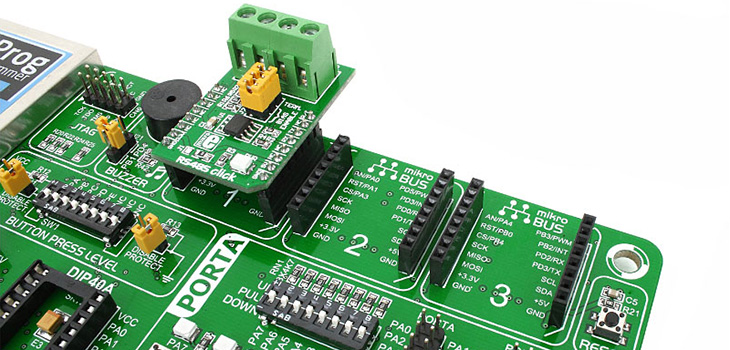
mikroBUS socket 1
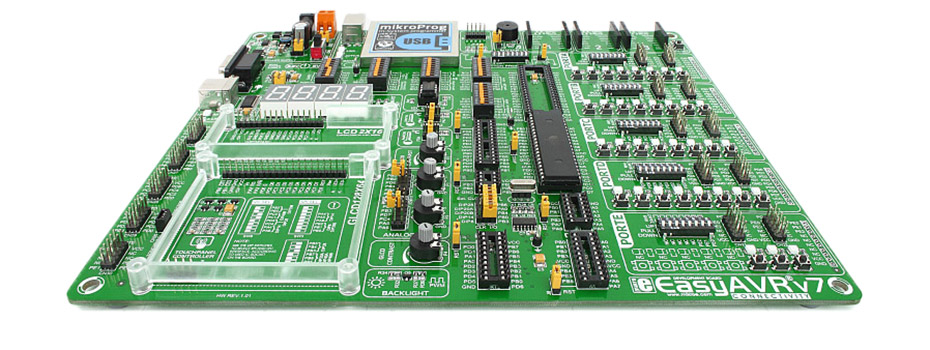
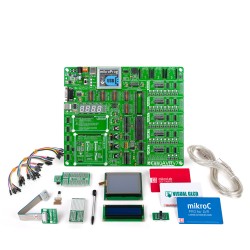
EasyAVR™ v7 provides three mikroBUS sockets for mikroElektronika Click Boards. mikroBUS provides simple and effective Plug-and-Play connectivity solution.

mikroBUS socket 2
EasyAVR™ v7 provides three mikroBUS sockets for mikroElektronika Click Boards. mikroBUS provides simple and effective Plug-and-Play connectivity solution.

mikroBUS socket 3
EasyAVR™ v7 provides three mikroBUS sockets for mikroElektronika Click Boards. mikroBUS provides simple and effective Plug-and-Play connectivity solution.

Piezo Buzzer
With piezo buzzer you can debug your applications, or have audio signalization feature. It can be connected to two digital output pins, one of which is the output of PWM module.

JTAG connector
If you need to use other external programmer or debugger with EasyAVR v7, we have provided the JTAG compatible connector, so you can override the on-board mikroProg.

mikroProg
On-board mikroProg™ In-System programmer is supports 64 AVR® microcontrollers from Atmel®.

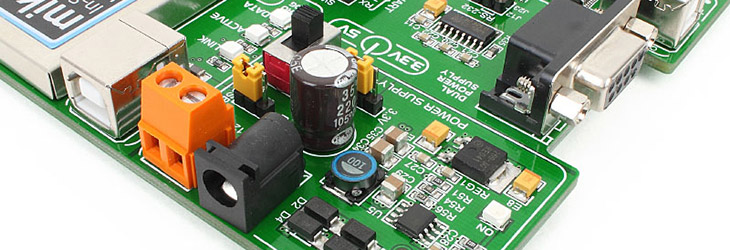
Programmer USB connector
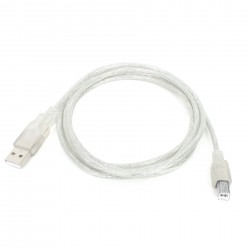
Programmer USB connector is connected to on-board mikroProg, but can also be used to power the board, when the J22 jumper in the Power Supply section is in the USB position.

Dual Power Supply
Board is equipped with power supply unit capable of supporting both 3.3V and 5V microcontrollers. Board can be powered over USB cable, or external adapter connectors.

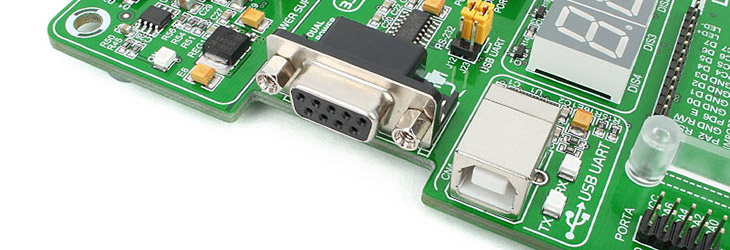
RS-232 Connector
You can implement UART communication through RS-232 connector provided on the board.

USB-UART Connector
FTDI chip allows your EasyAVR v7 board to be connected with a PC through USB cable over UART connection.

PORT Headers
Two male IDC10 port headers are available in each Input/Output group, which is convenient for easier access to any PORT pin.

Touch Panel Controller
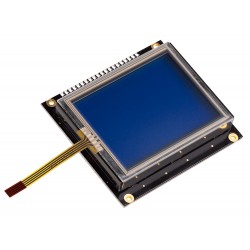
Touch panel controller with connector is provided for analog resistive touch panels attached to the GLCD 128x64 to form GLCD Touch screen.

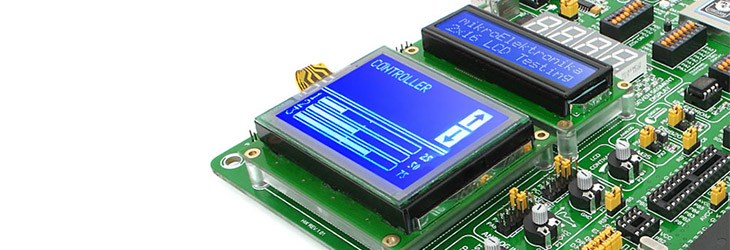
GLCD 128x64 pixels
You can place GLCD 128x64 display directly on the board and firm it in place securely using high-quality plastic distancer, specially designed for this purpose.

LCD 2x16 characters
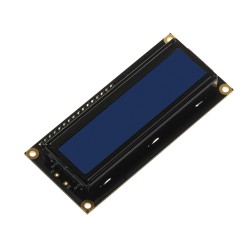
Board is equipped with LCD 2x16 connector which allows you to connect LCD 2x16 display and place it securely using plastic distancer, specially designed for this purpose.

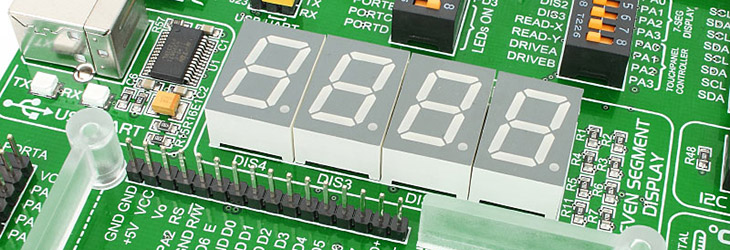
4-digit 7-seg display
Driving 7-segment displays is fun! EasyAVR v7 provides 4-digit display for your applications.

I2C EEPROM
You can store 8x256 bytes of configuration data or other data into on-board 24AA01 Serial EEPROM with I2C interface.

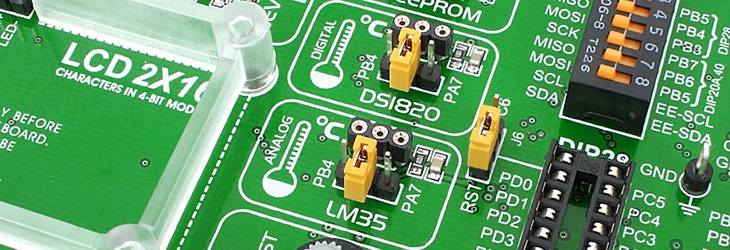
DS1820 Temp Sensor
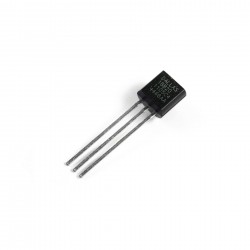
Board supports Dallas DS1820 One-Wire digital temperature sensor. You can measure temperatures from -55C to +125C (-67F to +257F), with 0.5C accuracy.

LM35 Temp Sensor
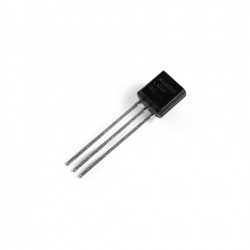
The LM35 is a low-cost precision integrated-circuit analog temperature sensor. It can measure temeperatures from -55C to +150C with 0.25C accuracy at room temperatures.

LCD contrast potentiometer
This potentiometer allows you to adjust the contrast level of the pixels on your LCD 2x16 character display.

ADC potentiometers
You can simulate analog inputs using two provided analog potentiometers which can be connected to each of the 12 supported microcontroller analog input pins.

GLCD contrast potentiometer
This potentiometer allows you to adjust the contrast level of the pixels on your GLCD 128x64 display.

GLCD/LCD Backlight
GLCD and LCD backlight can be driven with PWM signal from the microcontroller, or they can be turned on in full brightness.

Crystal oscillator
8MHz oscillator circuit that provides external clock is connected to microcontroller osc pins.

Atmega32
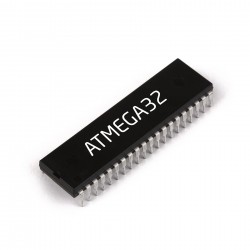
With just enough RAM and Flash, ATmega32 microcontroller will provide you with enough power for most of your projects.

Oscilloscope GNDs
Three separate GND pins are available on the board for easier connection of GND reference for oscilloscope probes.

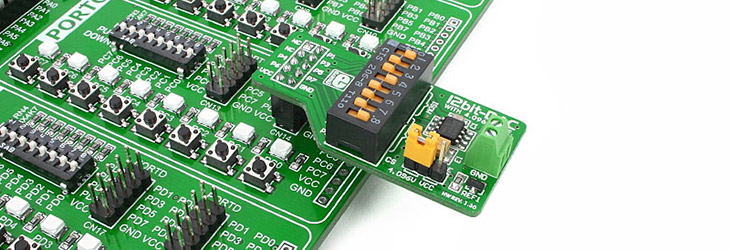
Button Press Level
You can now individually set button press voltage levels for each PORT group.

SMD LEDs
Each Input/Output PORT group contains red SMD LEDs with low current consumption of only 1mA. Board contains total of 36 LEDs for PORT pins.

Tri-state DIP switches
Tri-state DIP switches are used to enable 4K7 pull-up or pull-down resistor on ony desired PORT pin.

PORT Headers
Two male IDC10 port headers are available in each Input/Output group, which is convenient for easier access to any PORT pin.

Push buttons
Push buttons in each Input/Output group enable you to have digital inputs on each port pin. Buttons are of high quality and have an exceptional and stable response.

1x10 PROTO headers
We have also provided 1x10 soldering pads for further connectivity in each Input/Output group.